Shopify Store Checklist for 2027: 14 Things to Do in December
A practical year-end review for Shopify store owners: checkout rules, AI product data, costs, speed, policies and testing, with links to each guide.
- Written by
 Fahad, CEO & Head of Development
- Published
- Reading time
- 3 min
- Audit Standard
- Real CrUX Data
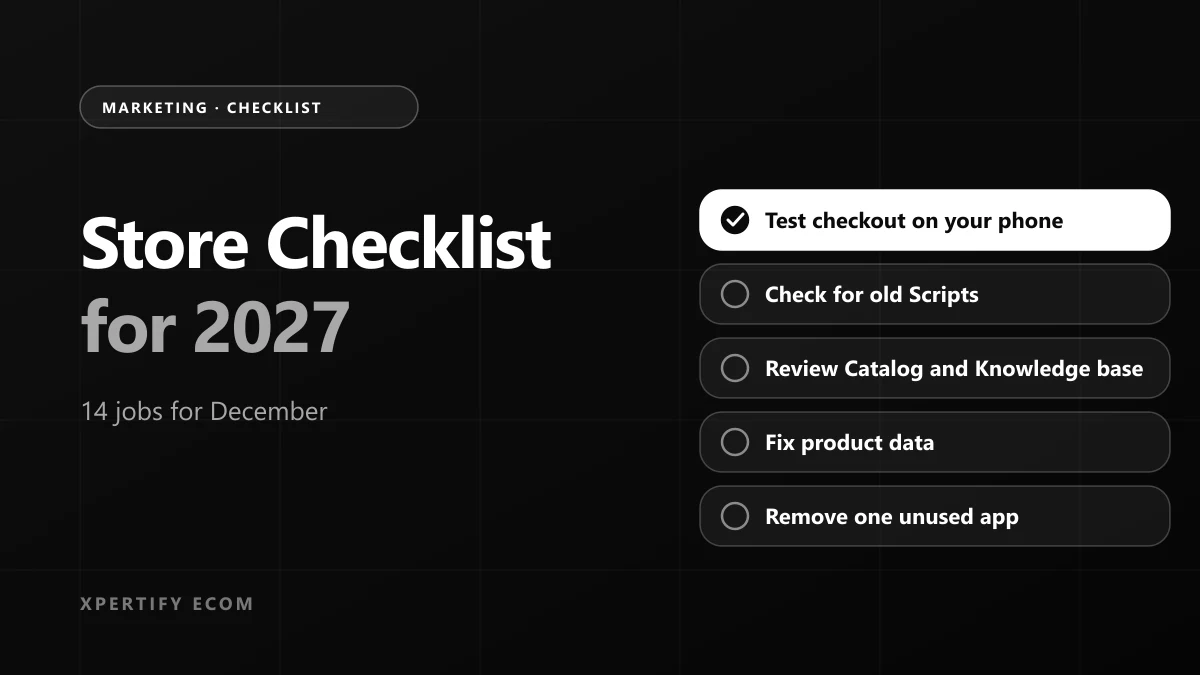
The quiet days after the holiday rush are the best time to fix a store. This checklist has 14 jobs worth doing before 2027, ordered by how much they can cost you if ignored. Each job says why it matters, takes under a day, and links to a longer guide. We have not invented any 2027 prediction: every item rests on something Shopify has already announced or on a check you can do yourself.
Money and risk first
- 01Check for old Scripts. Shopify Scripts stopped running on 30 June 2026. If a discount, shipping rule or payment rule once relied on one, test it. See our Scripts and Functions guide.
- 02Place a test order on your phone. Use a discount code and each payment method. Many shoppers buy on a phone and checkout bugs cost the most.
- 03Ask your developer about app tokens. Shopify's Fall '26 Editions page says expiring tokens are required before January 2027. If someone built a custom app for you, confirm it is ready. See the Fall '26 guide.
- 04Review your plan and billing. Compare monthly and yearly pricing, and check you are not paying for staff seats or POS locations you do not use. See Shopify pricing.
- 05Open your fraud settings. Shopify lists custom risk rules as live in its Fall '26 Edition. Read what you have and what you could add.
Be findable by AI shoppers
- 01Check Catalog eligibility and your Knowledge base. They are in your admin under Sales channels > Agentic. Review the facts Shopify drafted about returns and shipping, and publish only what is true. See Agentic Storefronts.
- 02Fix your product data. Titles, descriptions, images, sizes, materials and prices should be complete and consistent. AI assistants and Google both read this.
- 03Read your own policies. Return, shipping and privacy pages should match what you actually do. Shopify lists auto-generated store policies as live, which is a starting draft, not a finished policy.
Speed and testing
- 01Remove one app you do not use. Every app can add scripts. Check what is left behind. See third-party script cleanup.
- 02Run a speed test on three pages. Homepage, a collection and a best-selling product. Note the numbers so you can compare after changes. See how to load under 2 seconds.
- 03Plan one real test. Shopify Rollouts lets you schedule changes and run A/B tests from the admin. Pick one question, such as a new product page layout, and write down how many visitors it needs. See Rollouts.
Growth and habits
- 01Check your email flows. Welcome, abandoned checkout and post-purchase should be running. Shopify Flow can alert you when a workflow fails. See Flow automations.
- 02Try Sidekick on one real task. Ask for your best sellers by month. Read every draft before publishing. See the Sidekick guide.
- 03Put a review date in your calendar. Repeat this list every quarter. A store that is checked four times a year rarely has a big surprise.
What we do not know about 2027
Shopify has not announced its next Edition, and we do not know what it will include. Prices, features and deadlines change, so we update these guides when Shopify's own pages change. Anything we state as a date or a figure is linked to a Shopify page you can read yourself.
Want us to run this checklist on your store and give you a prioritised fix list with a price for each fix?
See store development