Third-Party Script Cleanup on Shopify: Removing Ghost Code & App Bloat
How to audit, isolate, and safely remove orphaned scripts, uninstalled app tags, and render-blocking JavaScript from your Shopify theme codebase.
- Written by
 Zayn, Developer & Performance Expert
- Published
- Reading time
- 2 min
- Audit Standard
- Real CrUX Data
On this page · 2 sections
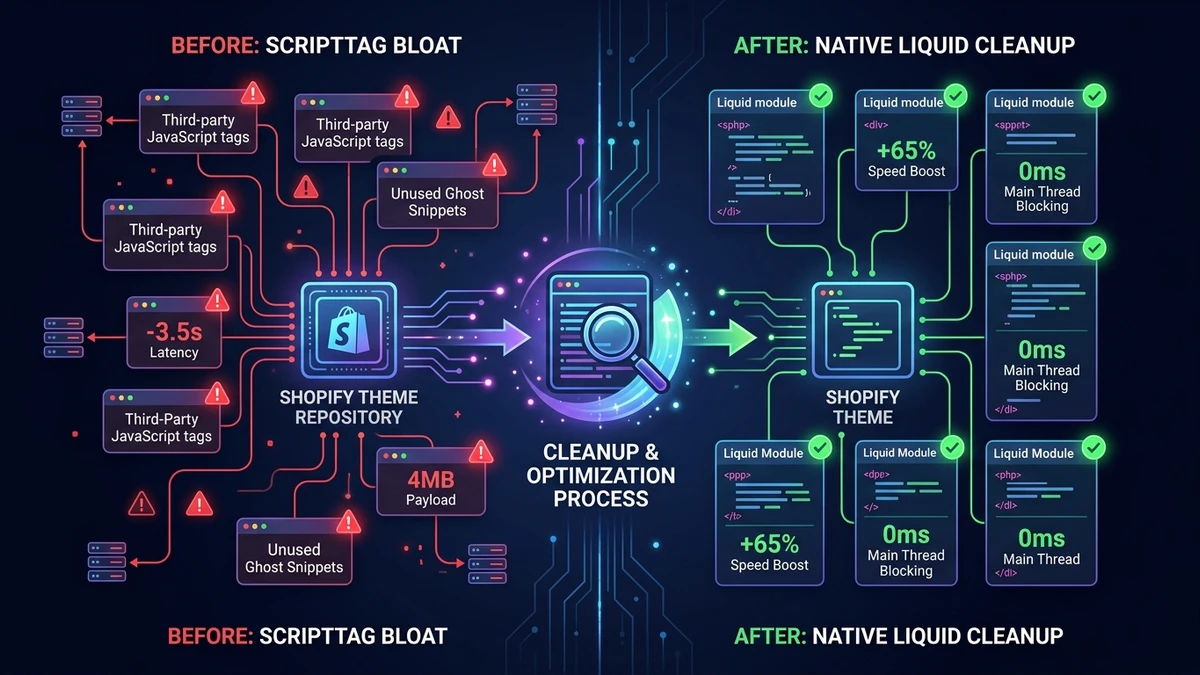
When you uninstall a Shopify app from your admin dashboard, you might assume its code disappears from your storefront. In reality, traditional Shopify apps leave behind orphaned Liquid snippets, tracking tags, and external CSS references. Over months of operating a store, this accumulates into massive 'ghost code' bloat.
Every unused script tag still executes HTTP requests, consumes mobile memory, and triggers failed network calls that delay your store's Largest Contentful Paint (LCP) and drag down conversion rates.
Where Orphaned Shopify App Code Hides
- 01`layout/theme.liquid`: Look inside `<head>` for lingering `<script src="...">` tags pointing to domains of deleted apps (e.g., deleted popup builders, countdown timers, currency converters).
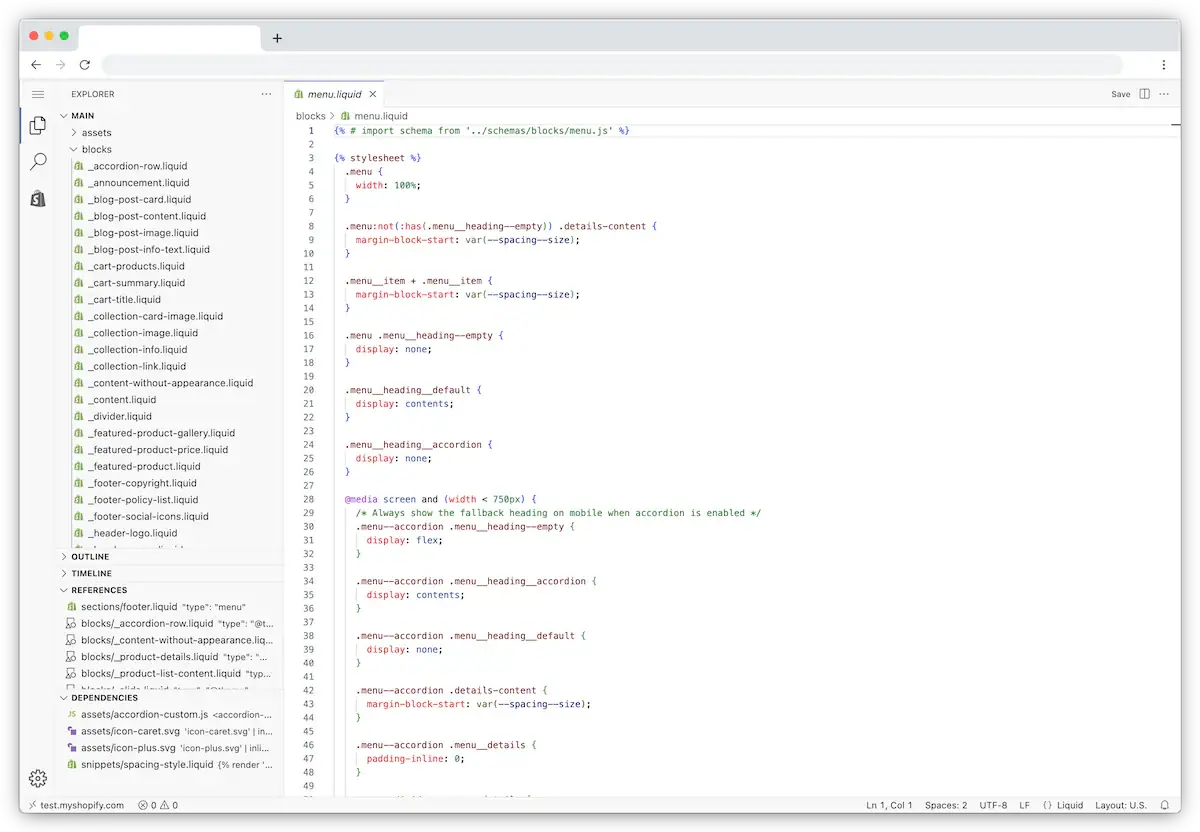
- 02`snippets/` Directory: Look for files named `app-name.liquid`, `banana-splash.liquid`, or `judge-me-script.liquid` that are still being included via `{% render 'snippet-name' %}`.
- 03Asset Manifests: Unneeded CSS stylesheets loaded via `{{ 'app-name.css' | asset_url | stylesheet_tag }}`.
- 04Theme App Extensions: Legacy ScriptTag API registrations that run in the background via Shopify's legacy API endpoints.
The 3-Step Safe Deletion Workflow
- 1. Duplicate Your Live Theme First: Never perform script removal directly on your published theme. Create a duplicate named `Theme - Script Cleanup Backup` before touching Liquid files.
- 2. Network Tab Domain Audit: Open Chrome DevTools Network panel, filter by `JS`, and sort by domain. Identify every external domain loaded and cross-reference it against your currently active apps in Shopify Admin.
- 3. Global Search in Theme Code: Search for references to the offending app name across all `.liquid` and `.json` files. Remove both the snippet files and the parent Liquid render statements.
Stores that have operated for 2+ years often regain 1.5–3 seconds of mobile load speed simply by eliminating residual script tags from retired apps. It is the cleanest performance win available on Shopify.
Need an expert to clean up years of leftover app code safely? Our senior developers audit your entire codebase and strip out ghost scripts with zero downtime.
Request a Theme Script Audit