Shopify Store Audit Checklist: 25 Checks You Can Do Yourself
A free, practical checklist to audit your own Shopify store: speed, mobile, product pages, checkout, trust, tracking and SEO. No tools to buy, just 90 minutes.
- Written by
 Khizer, Design, UI/UX & CRO Expert
- Published
- Reading time
- 3 min
- Audit Standard
- Real CrUX Data
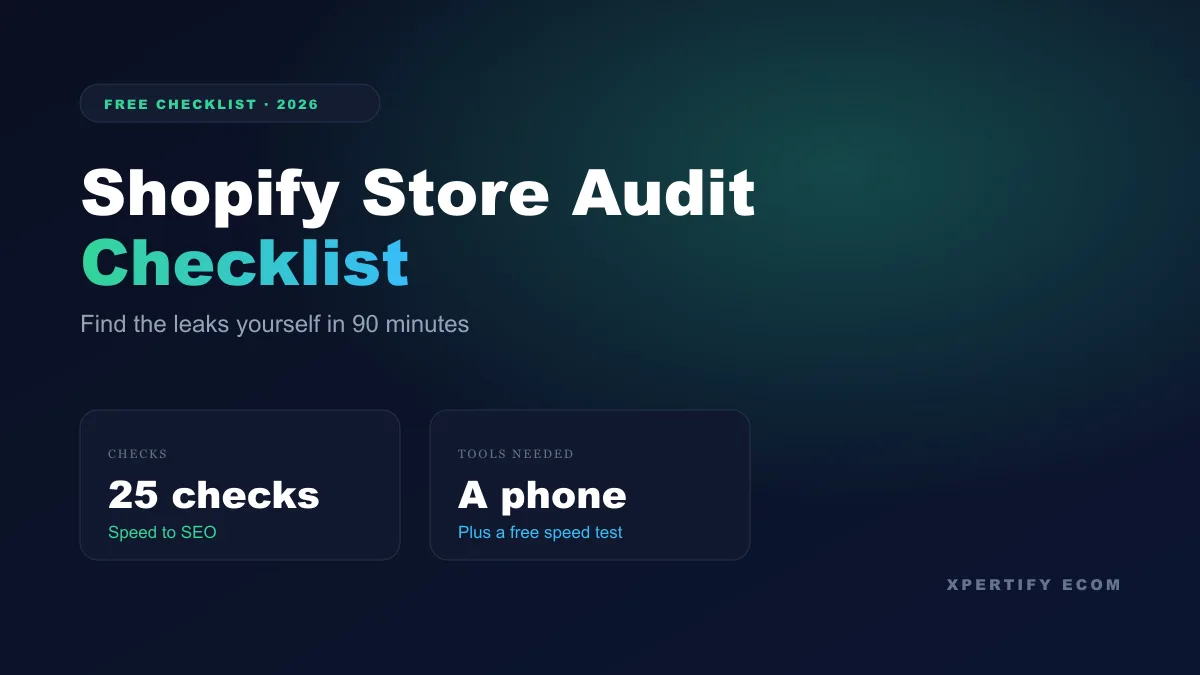
Before you spend money on ads, a redesign or a new app, spend 90 minutes auditing the store you already have. Most stores lose sales to a handful of fixable problems, and you can find nearly all of them yourself with a phone, a free speed test and this checklist.
Work through it in order. Write down every "no" as you go. At the end you will have a short, honest to-do list, ranked by how much each item is likely to cost you.
1. Speed and mobile (6 checks)
- 01Run your home page, one collection page and one product page through PageSpeed Insights. Note the mobile result, not the desktop one.
- 02Open the store on a real phone on mobile data, not Wi-Fi. Does the first screen appear quickly?
- 03Count your installed apps. Remove any you do not use. Each one can add code to every page.
- 04Check that images are the right size and format, not a large original scaled down by the browser.
- 05Look at your hero. Is it a heavy video or slider that loads before anything else?
- 06Scroll a page on your phone. Does anything jump around as it loads?
2. Product pages (6 checks)
- 01Can a stranger tell in five seconds what the product is, what it costs and how to buy it?
- 02Are there at least three clear photos, including one that shows scale or the product in use?
- 03Is the description about the buyer's problem, not just a list of features?
- 04Are shipping time, cost and the return policy visible without leaving the page?
- 05Is the Add to cart button easy to spot and easy to tap on a phone?
- 06Are there real reviews or other proof, and are they honest? Fake reviews hurt more than none.
3. Cart and checkout (5 checks)
- 01Place a test order yourself on a phone. Note every step that feels slow or confusing.
- 02Are the payment methods your customers actually use available? In some countries that includes cash on delivery.
- 03Are there surprises at checkout, such as shipping or fees that were not visible earlier?
- 04Do you ask for more information than you need?
- 05Does the order confirmation email arrive quickly and look right?
4. Trust (3 checks)
- 01Is there a real About page, a contact method that works and a business address or location?
- 02Are the refund, shipping and privacy policies written and easy to find?
- 03Does the site look the same quality on every page, or does the design fall apart below the home page?
5. Tracking (2 checks)
- 01Is Google Analytics installed and does it record purchases? Make a test order and check.
- 02If you run Meta or Google ads, is the purchase event firing once, not twice and not zero times?
6. SEO basics (3 checks)
- 01Does each important page have its own title and meta description, written for a person?
- 02Are your product and collection images named and described, not left as "IMG_2231"?
- 03Is your store in Google Search Console, and is your sitemap submitted? Our Shopify SEO guide shows how.
What to do with the results
Sort your list by two questions: how many visitors does it affect, and how easy is it to fix? A slow mobile home page affects everyone and is usually fixable, so it goes first. A missing About page is quick, so do it the same day. Leave the cosmetic items for last.
If you would rather hand the list to someone, that is what our custom coding and speed optimization services are for. Send us your list and we will tell you which fixes are quick and which need a quote.
Want a second pair of eyes on your store? Send us the link and tell us what you are trying to fix.
Talk to us