Magento to Shopify Migration: The 2026 Checklist and SEO Guide
Moving from Magento (Adobe Commerce) to Shopify? The steps, what CSV can't carry over, how to keep your search rankings, and when staying put makes sense.
- Written by
 Fahad, CEO & Head of Development
- Published
- Reading time
- 7 min
- Audit Standard
- Real CrUX Data
On this page · 9 sections
- 01Should you migrate at all?
- 02What changes when you move
- 03Step 1: take stock of what you have
- 04Step 2: map your URLs before anything else
- 05Step 3: import in the right order
- 06Step 4: rebuild what your extensions did
- 07Step 5: build and test before you touch DNS
- 08Launch day and the first 30 days
- 09What drives the cost and the timeline
A Magento to Shopify migration is five jobs: map your data and URLs, import products, customers and orders in the right order, rebuild what your extensions did, redirect every old URL, and test before you switch the domain. The data import is the easy part. The work is in your URLs, your custom features and your checkout.
Shopify's own migration guide has step-by-step pages for platforms such as Wix, WooCommerce and Squarespace, but none for Magento. This guide fills that gap using Shopify's import documentation and the published Magento support dates, all linked at the end. We have not included cost figures, because a Magento migration depends too much on your store to quote a number in a blog post.
Should you migrate at all?
The most common trigger is support running out. These are the Adobe Commerce extended support dates listed by endoflife.date, last updated in September 2026.
| Version | Released | Extended support ends |
|---|---|---|
| 2.4.4 | 30 Mar 2022 | 14 Apr 2026 (ended) |
| 2.4.5 | 1 Aug 2022 | 11 Aug 2026 (ended) |
| 2.4.6 | 28 Feb 2023 | 31 Aug 2027 |
| 2.4.7 | 4 Apr 2024 | 31 May 2028 |
| 2.4.8 | 3 Apr 2025 | 31 May 2028 |
| 2.4.9 | 12 May 2026 | 31 May 2029 |
Two warnings. First, those are Adobe Commerce dates. Several Magento agencies point out that Magento Open Source does not get the extended window, so Open Source stores should plan around the earlier standard support end. Second, trackers disagree on exact dates for some versions, so confirm yours with Adobe before you plan around it. Separately, PHP 8.2 stops receiving security fixes on 31 December 2026 according to php.net, which matters if your store runs on it.
A support date is a reason to decide, not a reason to rush. If your store is patched, healthy and maintained by a Magento team you trust, and it relies on complex B2B pricing or several store views that a rebuild would cost more to replicate, staying can be the right answer. Move because the platform fits your business better, not only because of a date.
What changes when you move
| On Magento | On Shopify |
|---|---|
| You or your host patch, secure and scale the server | Shopify hosts and maintains the platform |
| Extensions (PHP modules) | Apps, theme sections, Shopify Functions, or custom code |
| Configurable products with many attributes | Up to 3 options per product, plus metafields for extra data |
| Websites and store views | Markets for countries, currencies and languages |
| Customer groups and price rules | Customer tags and segments, discounts and B2B features |
| URLs like /blue-shirt.html | Fixed structure: /products/blue-shirt, /collections/shirts |
| Checkout changed by modules | Checkout extensibility |
Step 1: take stock of what you have
List everything that has to move or be replaced before you touch a tool. Migration is also the best moment to leave dead weight behind.
- Products, their attributes and configurable variants. Count how many have more than three options.
- Categories, CMS pages and blocks, and your blog.
- Customers and customer groups.
- Order history: how many years do you really need in Shopify?
- Every extension, with what it does and whether anyone uses it.
- Integrations: ERP, inventory, shipping, tax, email, reviews, loyalty.
- Payment methods and tax rules.
- Your URL list, including category, product and CMS URLs.
Step 2: map your URLs before anything else
Search rankings are carried by URLs. Magento URLs and Shopify URLs look different, so every old URL that earns traffic or links needs a 301 redirect to its new home. Build the map first, because it also shapes how you name products and collections on Shopify.
Gather old URLs from several places and combine them: your sitemap, a crawl of the live store, Magento's URL rewrites, your Search Console top pages and your analytics landing pages. Then match each one to its new address, starting with the pages that bring in the most traffic and links.
| Old Magento URL (example) | New Shopify URL (example) |
|---|---|
| /women/tops.html | /collections/women-tops |
| /blue-oxford-shirt.html | /products/blue-oxford-shirt |
| /about-us | /pages/about-us |
| /blog/spring-guide | /blogs/news/spring-guide |
Shopify imports redirects from a CSV under Content > Menus > URL redirects > Import. The limits to know, from Shopify's help page:
- 100,000 redirects per store, or 20,000,000 on Plus.
- You cannot redirect paths that start with /apps, /application, /cart, /carts, /orders, /services or /shop, or the fixed paths /products, /collections and /collections/all.
- Only broken URLs can be redirected. If the old URL still loads a live page on the new store, the redirect will not work.
- Redirecting a .html URL to the same URL without .html is not supported, and URLs with query strings may not behave as you expect.
Step 3: import in the right order
Shopify's guide says to import products first, then customers, then historical orders. Everything else can follow in any order. You have five ways to move data, in rising order of effort: copy and paste, CSV import, a migration app (Shopify's guide names the Store Migration app), hiring a Shopify Partner, or a custom build on the Shopify API.
| Data | How it moves | Limits to plan for |
|---|---|---|
| Products | CSV or a migration app | 15 MB per CSV file. Headers must match Shopify's template exactly, in UTF-8. Image URLs must be public HTTPS. Up to 3 options per product. SEO title 70 characters, SEO description 320. An import cannot be cancelled once started, and changing option values creates new variant IDs. |
| Customers | CSV, a migration app or the Customer API | 15 MB per file, with an Email column. Passwords cannot be migrated, so customers must be invited to create a new one. Total spent and total orders are not imported, and order history does not come in with the customer CSV. |
| Historical orders | A migration app, or the Order and Transaction APIs | Shopify's guide lists no order CSV import. Turn off new-order notifications first, or staff get one email per imported order. |
| Pages, blog posts, gift cards | Apps or APIs | No CSV route is listed for these. |
Tell customers about the password reset before launch. It is the one moment in a migration that every returning customer sees, and an unexpected email looks like phishing.
Step 4: rebuild what your extensions did
Go through the extension list from step 1 and decide, for each one, whether it becomes a built-in Shopify feature, an app, or custom code. The first two are cheap. Custom code is where migration cost lives, so be strict about which features are truly needed.
| Job on Magento | Typical Shopify answer |
|---|---|
| Layered navigation and filters | Built-in collection filters and Shopify's Search & Discovery app (see our filters and speed guide) |
| Reviews | A reviews app |
| Customer-group pricing | B2B catalogs, customer segments and discount logic. Needs checking against your plan. |
| Custom product options | Line item properties, an app or a custom section |
| ERP, PIM or warehouse sync | An API integration, which is custom code |
| Multiple warehouses | Shopify locations |
Step 5: build and test before you touch DNS
- Spot-check 50 of your top URLs against the redirect file.
- Compare product counts, prices, variants and stock with Magento.
- Place real test orders: every payment method, shipping rate and tax case.
- Check order and customer notification emails.
- Confirm analytics and ad pixels fire (our clean pixel setup guide helps).
- Test on a real phone and check mobile speed with our free speed test.
- Freeze changes on Magento shortly before launch, then run a final import of new orders.
Launch day and the first 30 days
Shopify's guide says to set up redirects before you transfer the domain. When the URLs change but the domain stays the same, Google treats it as a site move with URL changes, and its guide says to expect temporary ranking fluctuations while it reprocesses your pages.
- 01Connect the domain, then confirm the redirects respond with a 301.
- 02Submit your new sitemap in Search Console. Shopify generates sitemap.xml for you.
- 03Check the Pages report and your 404 errors every day for two weeks, and add a redirect for each real URL that is missing.
- 04Compare organic landing pages with the weeks before launch to see which sections lost visibility.
- 05Turn order notifications back on if you switched them off for the import.
What drives the cost and the timeline
- Catalog size and how many products have complex attributes.
- How many custom extensions have to be rebuilt.
- How much order history you want to bring over.
- B2B pricing, multiple store views and international setups.
- Integrations with an ERP or other back-office systems.
- Whether you want a new design or a close copy of the current one.
- How many URLs need redirects, and how clean the old URL structure is.
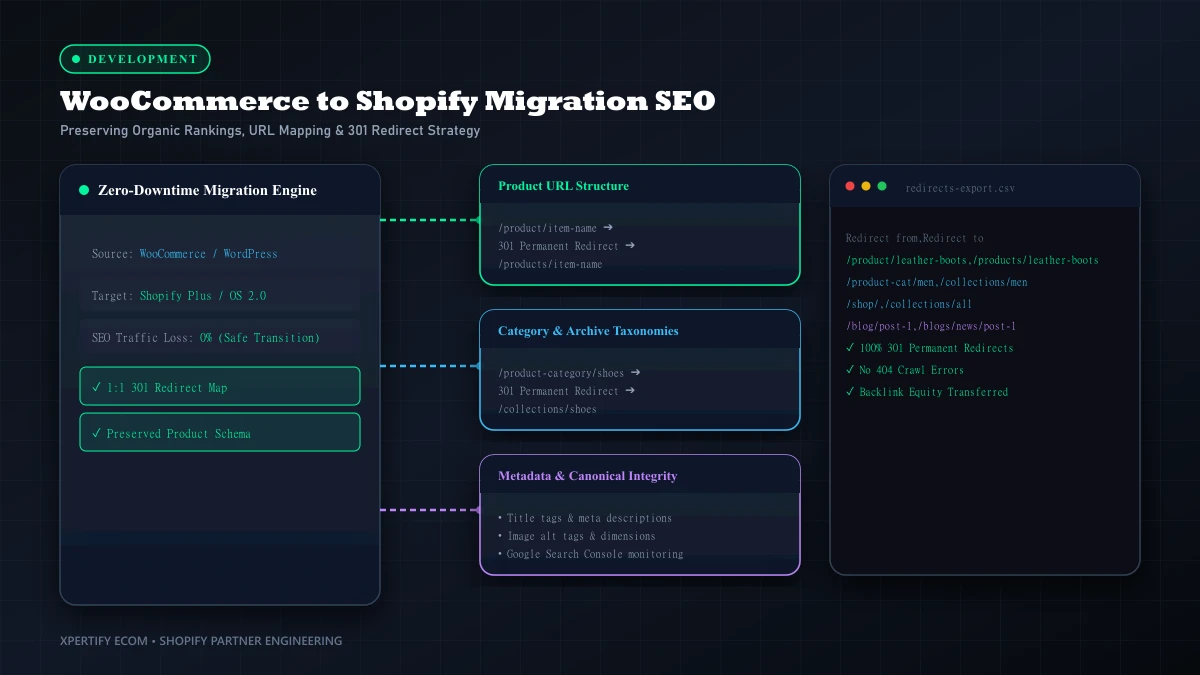
Larger catalogs and custom features are quoted in writing after we have looked at the store. Also read our guides to moving from WooCommerce without losing traffic and migrating without losing traffic, which cover SEO points that apply to any platform.
Planning a Magento move? Send us your catalog size, extension list and URL count, and we will reply with a price and timeline.
See store developmentSources & further reading
- 1.Migrating to ShopifyShopify Help Center
- 2.Import productsShopify Help Center
- 3.Import and export customersShopify Help Center
- 4.Creating and managing URL redirectsShopify Help Center
- 5.Site moves with URL changesGoogle Search Central
- 6.Magento end-of-life datesendoflife.date
- 7.Supported PHP versionsphp.net