Shopify Pre-Orders: How to Sell Before Stock Arrives (2027)
How pre-orders work on Shopify: the apps and gateways you need, payment options, what happens if you uninstall, and the shipping-time rule US sellers must know.
- Written by
 Fahad, CEO & Head of Development
- Published
- Reading time
- 3 min
- Audit Standard
- Real CrUX Data
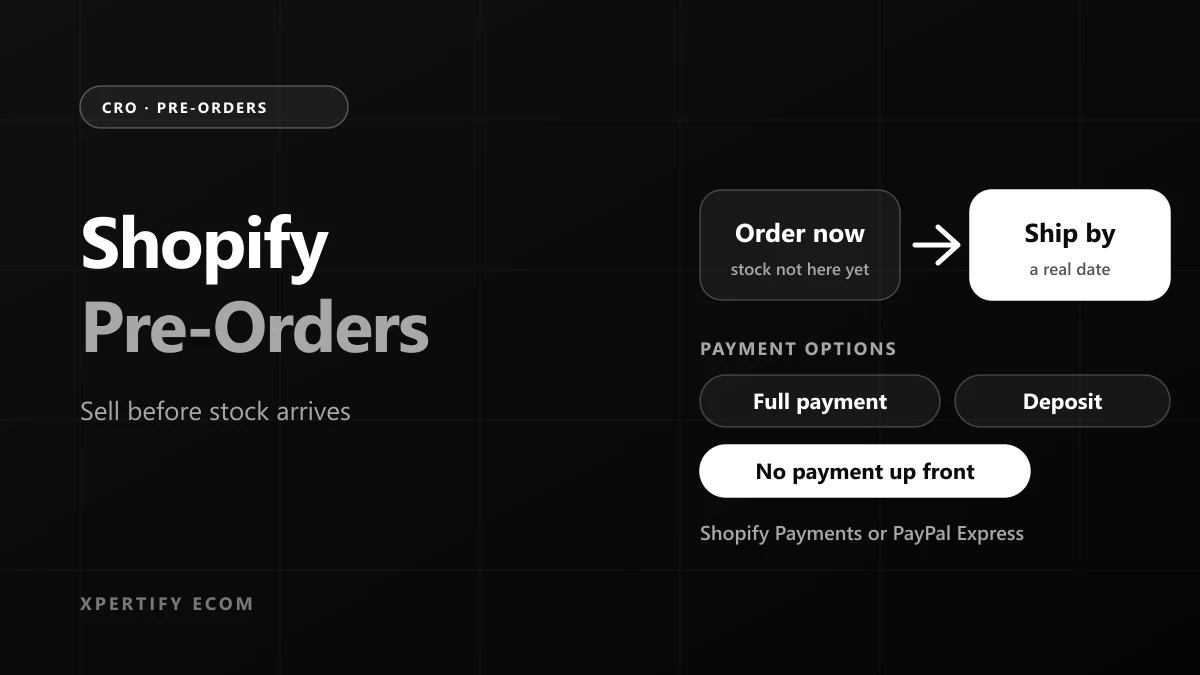
A pre-order lets customers buy or reserve a product you cannot ship yet, with fulfilment at a later date. It works well for a new release, a restock with a waiting list, or a launch where you want to measure demand before you place a big order. On Shopify, pre-orders are not built into the admin. You install a pre-order app, and there are rules about payment gateways and shipping promises you need to know first.
This guide follows Shopify's Help Center page on pre-orders and the US Federal Trade Commission's guide to its Mail, Internet, or Telephone Order Merchandise Rule, both linked at the end. Shopify's page does not state plan requirements, app prices or what cannot be pre-ordered, so we do not either. This is general information, not legal advice.
What Shopify's page says you need
- A pre-order app from the Shopify App Store. Setup for each product happens inside that app.
- Shopify Payments or PayPal Express. The page says pre-orders are currently available only with those two gateways.
- Compliance. You must follow local law, Shopify's terms and its Acceptable Use Policy when selling pre-orders.
Payment options
Depending on the options your app offers, you can collect full payment at checkout, partial payment such as a deposit, or no payment at all. If you collect any payment, the customer's payment method is stored and the remaining balance is collected when you fulfil the order or later. Shopify stores the card data, so you never see full card numbers.
| Option | Good for | Risk |
|---|---|---|
| Full payment now | Limited editions and confirmed stock dates | Refund work if the date slips |
| Deposit now, rest later | Higher-priced products | Customers who do not pay the balance |
| No payment, pay on fulfilment | Measuring demand with low friction | Low commitment, so less reliable demand data |
The shipping-time rule for US sellers
The FTC's rule covers orders placed online. When you advertise a shipping time, you must have a reasonable basis for it. If you state no time, the rule's default is that you ship within 30 days of receiving the order and payment, according to the FTC's guidance. If you cannot ship on time you must tell the customer, get their consent to the delay, or refund payment for the unshipped goods. A customer who does not consent must be refunded promptly.
A pre-order checklist
- 01Confirm your gateway is Shopify Payments or PayPal Express. Any other gateway rules out pre-orders on Shopify's page.
- 02Choose one payment option and say it in plain words on the product page.
- 03State the expected ship date and what happens if it moves.
- 04Cap pre-order quantity at what your supplier has confirmed.
- 05Email buyers when the date changes, before they ask.
- 06Test the whole flow with a real order: checkout, confirmation email, balance collection.
- 07Remove the pre-order setting when stock lands, so the product sells normally.
Pre-order, back in stock or subscribe?
A pre-order sells stock you do not have. A back-in-stock alert collects emails and sells later. A subscription sells a repeat. For a new product with real demand, pre-order. For a sold-out best seller you can restock quickly, an alert is simpler and carries no shipping-promise risk. We did not find a Shopify Help Center page on back-in-stock alerts, so check your theme and apps for how it works on your store.
Need pre-orders that show the right message on the product page, cart and emails? We build and test the full flow.
See custom coding