Shopify INP Optimization: How to Fix Interaction to Next Paint on Mobile
A complete guide to debugging and fixing slow Interaction to Next Paint (INP) on Shopify stores — identifying long tasks, unblocking the main thread, and passing Core Web Vitals.
- Written by
 Zayn, Developer & Performance Expert
- Published
- Reading time
- 2 min
- Audit Standard
- Real CrUX Data
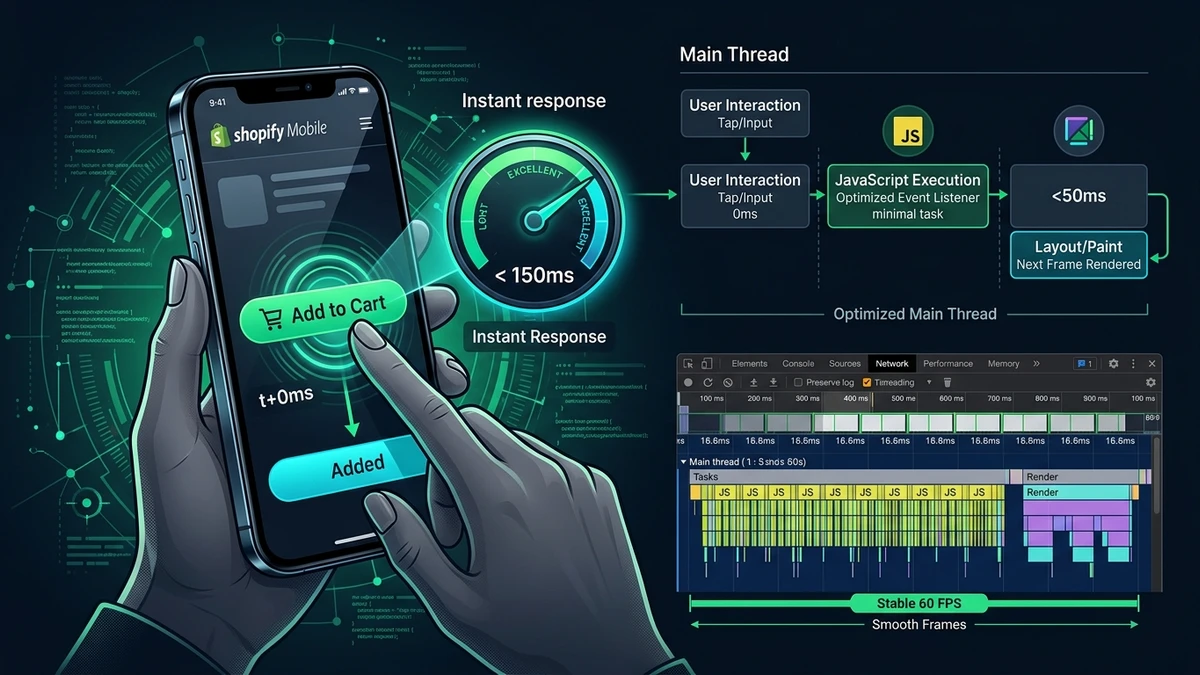
When Google replaced First Input Delay (FID) with Interaction to Next Paint (INP) as an official Core Web Vital, thousands of Shopify stores that had passed speed tests overnight dropped into the amber and red. FID only measured the initial delay before the browser started processing an event; INP measures the entire duration until the next frame actually paints on screen.
On an ecommerce store, every millisecond of lag during variant selection, cart drawer opening, or mobile filter tapping directly increases bounce rate. In this guide, our speed optimization team outlines the exact process we use to audit, isolate, and eliminate INP bottlenecks across custom and commercial Shopify themes.
What Good INP Looks Like in Google Search Console
| Rating | INP Latency | User Experience Impact | Search Impact |
|---|---|---|---|
| Good (Green) | ≤ 200 ms | Immediate feedback, feels instant | Full ranking signal benefit |
| Needs Improvement | 201 ms – 500 ms | Noticeable stutter on mobile clicks | Neutral to slight negative drag |
| Poor (Red) | > 500 ms | Appears frozen, rage clicks occur | Penalty in mobile page experience |
Because INP is calculated from the 75th percentile of all user interactions throughout their entire session, a single poorly implemented marketing script or review widget can ruin the score for the entire store.
The Top 4 Culprits Behind Slow Shopify INP
- 01Un-debounced Event Listeners on Product Pages: When shoppers tap color swatches or size pills, themes often trigger synchronous Liquid re-renders or heavy DOM updates on the main thread, blocking frame generation.
- 02Third-Party App JavaScript Execution: Accessibility overlays, live chat bubbles, loyalty points widgets, and recommendation carousels constantly run heavy timers and mutation observers that choke the main thread.
- 03Forced Synchronous Layouts (Layout Thrashing): Code that reads layout properties (`offsetHeight`, `getBoundingClientRect`) immediately followed by writing layout styles within the same animation frame.
- 04Heavy Polyfills and Bloated Theme Bundles: Loading legacy Babel polyfills and full Lodash or jQuery libraries inside `theme.liquid` when modern browsers already natively support modern ES APIs.
Step-by-Step Technical Fixes for Shopify Themes
To resolve INP issues, start by auditing your Chrome DevTools Performance panel under a simulated 4x CPU throttle (matching mid-tier smartphones). Follow these proven remediations:
- Yield to the Main Thread: In custom Liquid sections and theme scripts, wrap non-urgent state processing in `setTimeout(fn, 0)` or modern `scheduler.yield()` to allow visual paint frames to render first.
- Replace Heavy UI Libraries with Native Web Components: Replace jQuery and framework runtimes with lightweight native Custom Elements (`<variant-selects>`, `<cart-drawer>`), keeping payload below 15KB.
- Lazy-Load Offscreen Widgets: Defer loading reviews, related products, and Instagram feed embeds until the shopper scrolls within 300px of their container using `IntersectionObserver`.
- Offload Tracking to Web Workers: Move heavy client-side analytics and tagging to background workers via Partytown or server-side Google Tag Manager.
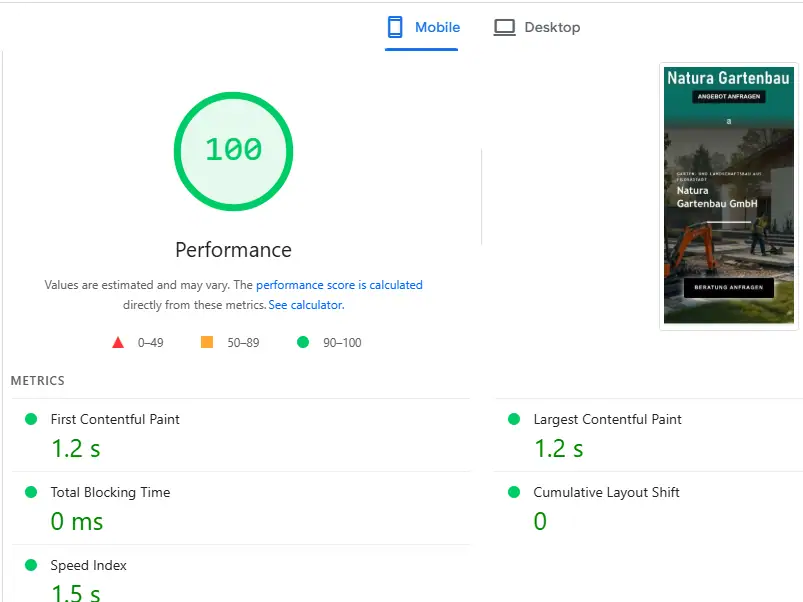
Is slow mobile interaction hurting your conversion rate? Our developers profile your theme and guarantee Core Web Vitals in the green within 12 hours.
Book a Shopify Speed Audit