Custom Shopify Sections vs Page Builder Apps: What Scales
Page builders are fast to start and expensive to live with. Here is the honest trade-off, and how to migrate off one without rebuilding your whole site.
- Written by
 Fahad, CEO & Head of Development
- Published
- Reading time
- 2 minutes
Page builders — PageFly, Shogun, GemPages and friends — solve a real problem: marketing wants to ship a landing page today and development is booked for three weeks. That is a legitimate reason to install one. The trouble arrives later.
What page builders actually cost
- Runtime weight. The builder's rendering engine loads on every page it touches, typically 300–900ms of blocking JavaScript.
- Markup you do not control. Deeply nested divs with generated class names, which fight your design system and are painful to debug.
- Lock-in. Cancel the app and the pages it built stop rendering. Everything you made is hostage to a subscription.
- Design drift. Every page built by a different person looks slightly different, because the builder makes it easy to override the system.
- SEO friction. Some builders render key content client-side, which is not reliably indexed.
What native sections give you instead
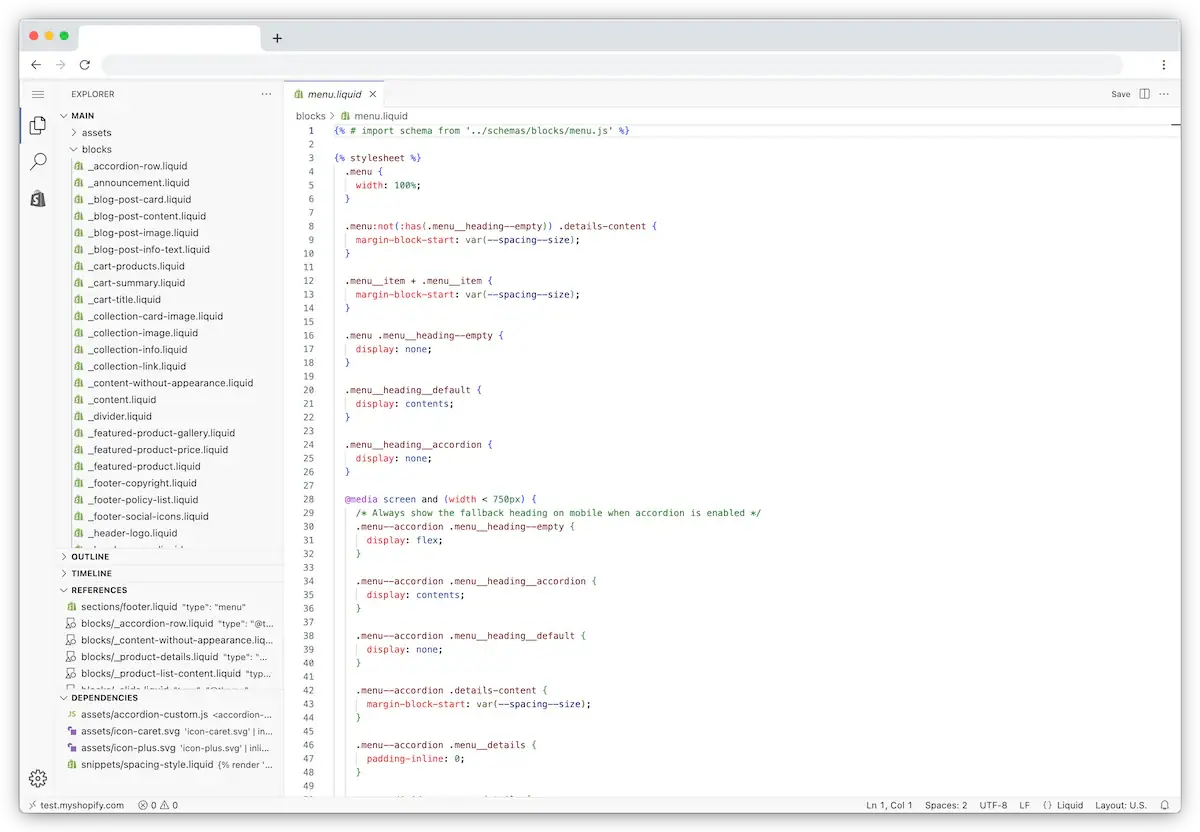
Online Store 2.0 sections are genuinely good now. A well-built section library gives your marketing team the same drag-and-drop freedom inside the native theme editor — with no extra JavaScript, no subscription, and markup that matches the rest of the site.
| Page builder | Custom sections | |
|---|---|---|
| Time to first page | Same day | 1–3 weeks to build the library |
| Monthly cost | $29–$99 | $0 |
| Added page weight | 300–900ms | ~0ms |
| Marketing autonomy | High | High, once the library exists |
| If you stop paying | Pages break | Nothing happens |
| Design consistency | Drifts over time | Enforced by the section schema |
Building a section library worth having
The trick is designing schemas that are flexible enough to be useful and constrained enough to stay on-brand. Give editors control over content, image and order. Do not give them arbitrary font sizes, colours and spacing — that is how you get the drift you were trying to avoid.
A practical starting library: hero, feature row, image-plus-text, product grid, testimonial block, FAQ accordion, comparison table, logo strip, rich text and CTA banner. Ten sections covers the vast majority of landing pages any store needs.
Migrating off a builder without a big-bang rebuild
- 01Inventory every page the builder currently renders, with its traffic.
- 02Build native sections that cover the patterns those pages use — you will find five or six patterns cover everything.
- 03Rebuild the highest-traffic pages first, on the same URLs.
- 04Verify each rebuilt page renders identically and keeps its meta tags.
- 05Only uninstall the app once nothing depends on it, then clean the leftover snippets out of the theme.
A page builder is a loan against your future page speed. Fine for a sprint, expensive as a permanent arrangement.
We build section libraries that give your team the same freedom without the runtime cost or the subscription.
Explore custom development